Your team has started using ChatGPT, Claude or Copilot. Drafts are faster. Summaries take seconds. Good.
Then you notice a pattern. Someone opens the CRM, copies a customer's details, pastes them into the chat, asks for a quote email, copies the answer, and pastes it back into the CRM. Then they do it again for the next customer.
That's the copy-paste trap. It isn't a sign that AI failed. It's a sign your team is ready for the next step.
What the trap looks like
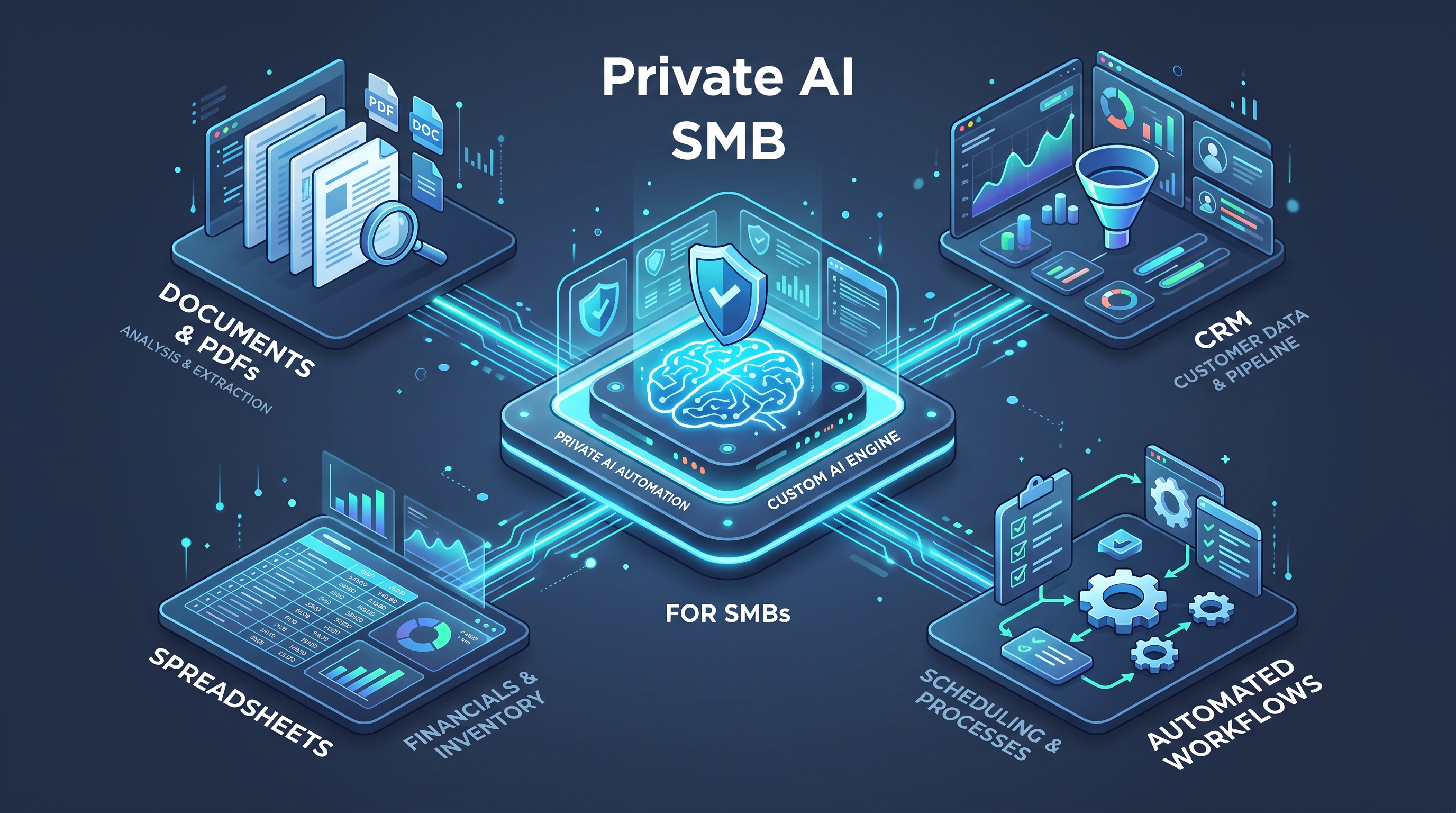
Most small businesses keep their information in a few places:
- PDFs and documents in Google Drive or SharePoint
- A CRM or job-management tool
- Spreadsheets for pricing, schedules and reports
A chat tool can't see any of those unless someone feeds it. So people become the connection between the AI and the business. They download, copy, paste, check and paste back.
When that happens a few times a week, it's fine. When it happens all day, the AI is saving less time than it should.
Why it's the signal to automate
The copy-paste trap tells you two useful things:
- Your team trusts the AI enough to use it daily. That's the hard part, and it's done.
- You know exactly which data moves where. Every copy and paste is a step that could run on its own.
That's what Automate is for. Instead of a person moving data between the CRM, the spreadsheet and the chat, we connect AI to the tools you already use. Drafts appear where your team works, and someone checks them before anything goes out.
| Task | In the copy-paste trap | After automating |
|---|---|---|
| Quote emails | Copy customer details into a chat, paste the draft back | A draft is waiting in your CRM, ready to review |
| Weekly report | Export, paste into the chat, fix the formatting | The report shows up on schedule |
| Follow-ups | Someone remembers to ask the AI for a reminder email | Reminders go out on a schedule you set |
These are illustrative examples. What's worth automating depends on your tools and your volume.
Don't skip the first step
If your team isn't using AI yet, start with Adopt: the right business plan, a short usage policy and training. The copy-paste trap only shows up once people are actually using the tools, and that's when you'll know what to automate.
Seeing the trap in your own team? Book a free 20-minute call and we'll tell you which task to connect first.