When a 20- or 50-person company hits a growth ceiling, the symptoms almost always look the same. Leads wait two days for an estimate because only one person knows how to navigate the master pricing spreadsheet. Project managers lose every Friday afternoon rebuilding the same client status reports from scratch. Partners spend their evenings double-checking numbers across PDFs, email threads, and the CRM.
The default reaction is to hire another operations coordinator. Put another body in front of the spreadsheets so your senior people can get back to billable work.
Sometimes you genuinely need more staff. Most of the time, though, you don't have a headcount problem. You have a document assembly problem.
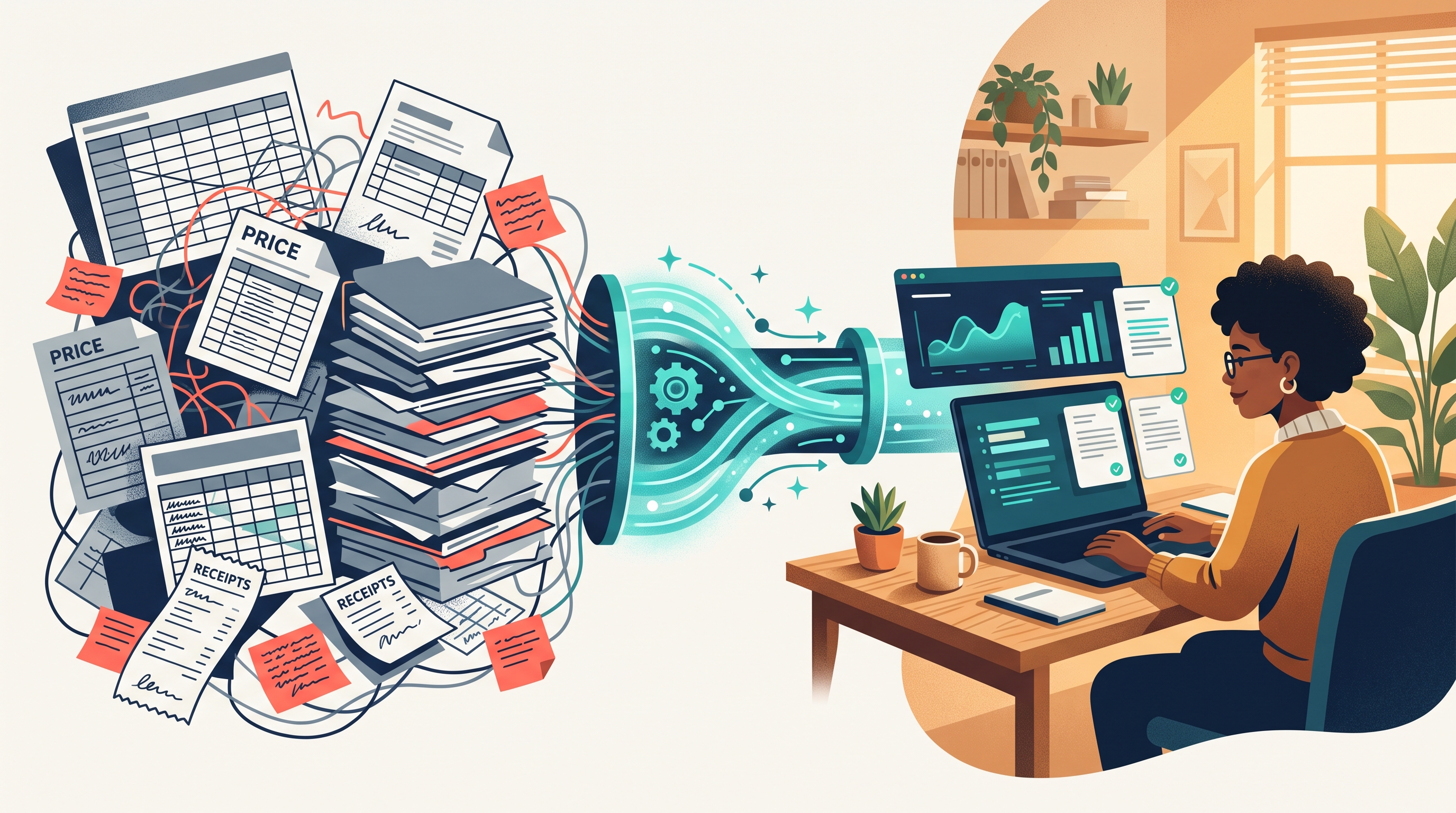
Why small businesses hit an admin wall
In industries like construction and trades, real estate and property management, healthcare, and legal services, the actual work isn't what slows the team down. It's the paperwork wrapper around the work.
Every new client request or weekly review triggers a chain of small, manual steps:
- Pulling context from three different places: Someone opens Google Drive for the past project PDF, Excel for the current rate sheet, and HubSpot or Jobber for the client notes.
- Doing the math and formatting by hand: They calculate line items, copy the numbers into a Word or PDF template, and rewrite the same scope-of-work paragraphs for the tenth time that week.
- Chasing sign-off: A founder or managing partner still has to read every line because manual copy-pasting breeds expensive typos.
Tried-and-true public tools like ChatGPT don't fix this. As we break down in Kranbos vs. ChatGPT, a public chat window can help you polish an email, but it doesn't know your Q4 material markups, your active contractor agreements, or what your field team logged in the CRM twenty minutes ago. Worse, pasting client contracts and internal pricing into a public model creates an immediate compliance headache.
What private AI automation actually looks like in practice
Practical workflow automation for a small business doesn't mean handing the keys over to a black box. It means connecting a private AI system directly to the files and software your team already uses, so the system handles the first 90% of the heavy lifting and your team keeps the final say.
Here are the three bottlenecks that pay for themselves fastest when automated:
1. Intake-to-quote generation from live price sheets
If your business wins work by sending estimates, speed matters. When a prospect fills out an intake form or a sales rep logs site notes in the CRM, a custom pipeline can read your current Excel price sheets through spreadsheet rescue, match the request against similar past jobs, calculate the line items, and generate a formatted PDF quote automatically.
Nothing goes to the client blind. The finished PDF lands in an approval queue with a link to every source row it used. Your estimator reviews it in five minutes, makes any adjustments, and hits send.
2. Recurring client and executive reports that build themselves
If someone on your payroll spends four hours every week exporting CSVs, cleaning columns, and pasting charts into a summary deck, that workflow shouldn't belong to a person.
With automated dashboards and reporting, your system pulls directly from your project databases, accounting sheets, and CRM on a set schedule. Every Monday at 7:00 AM, your leadership team—or your client—gets a clean, consistent report showing budget burn, open milestones, and flagged exceptions without anyone touching a pivot table.
3. Instant answers from your own project archive
When a client asks, "What did we charge for the HVAC retrofit on the 2024 Brickell project, and what were the warranty terms?", nobody should have to dig through forty nested folders. Custom internal tools index your historical PDFs, SOPs, and signed contracts so your team can ask a plain-English question and get the exact answer—with a direct link to the source page—in seconds.
What changes on Monday morning
| Operational Task | Manual Workflow | With Private AI Automation |
|---|---|---|
| Building a custom PDF quote | 45–60 minutes cross-checking Excel price sheets and past PDFs | 4 minutes to review an auto-drafted PDF tied to your live pricing |
| Weekly operations or client report | 2–4 hours every Friday exporting CSVs and fixing formulas | Automatic on a schedule, with exceptions flagged for review |
| Checking past contract or project terms | 20 minutes digging through shared folders and Slack threads | Instant answer with a direct link to the exact PDF and page |
| Data security & access control | Employees pasting snippets into personal chat accounts | Isolated private cloud with role-based permissions and logs |
You don't need to rip out your software (or risk your data)
One of the biggest myths about AI automation for small businesses is that you have to migrate onto an expensive new enterprise platform first. You don't. Whether your business runs on Google Workspace, messy multi-tab Excel workbooks, HubSpot, or industry-specific tools, a custom build sits on top of what already works.
Just as importantly, your proprietary pricing and client records stay inside an isolated, encrypted environment. Under our trust and security architecture, your files are never shared, never exposed outside your role-based permissions, and never used to train public AI models.
Adding headcount should be how you grow your service capacity—not how you keep up with copy-pasting between spreadsheets.
If your team is spending more time assembling quotes, rebuilding reports, and hunting for old files than serving clients, book a free 15-minute call. We'll look at your current workflows and tell you straight up what's worth automating first.